Productivity Software · Feature Education
5 ClickUp Features That Make Writing Projects Easier to Manage
An article about how I used ClickUp to manage writing projects, illustrated with examples from my own workflow.
Why I tried ClickUp
I was watching Judy Justice, where people routinely arrive at court without the documents and messages that would help their case. Then I spotted a ClickUp-branded train in the opening. It made me curious about the app.
At the time, I was juggling Trello, Airtable, and Google Docs for my writing projects. I wanted fewer places to look for the same information.
1. Views
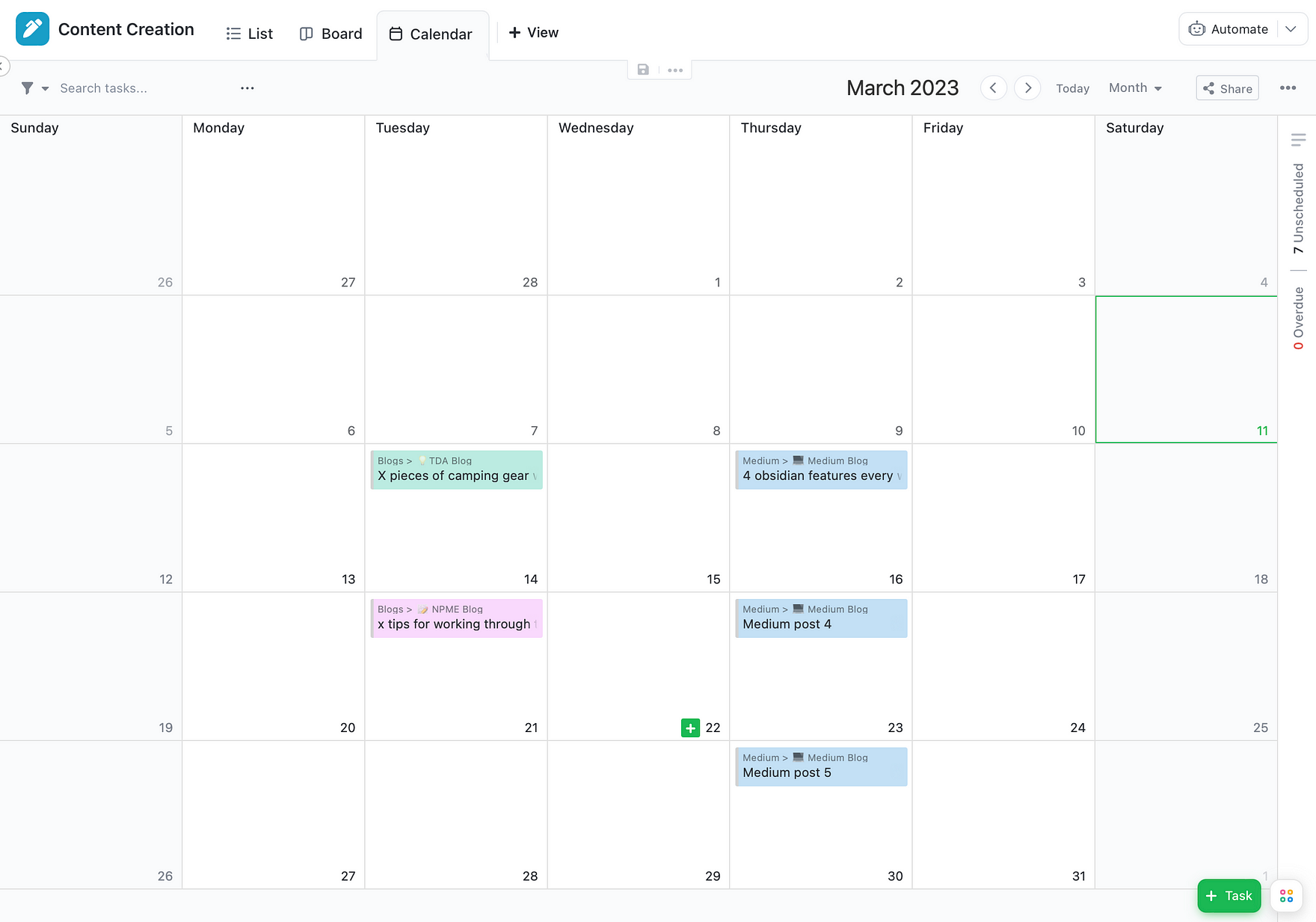
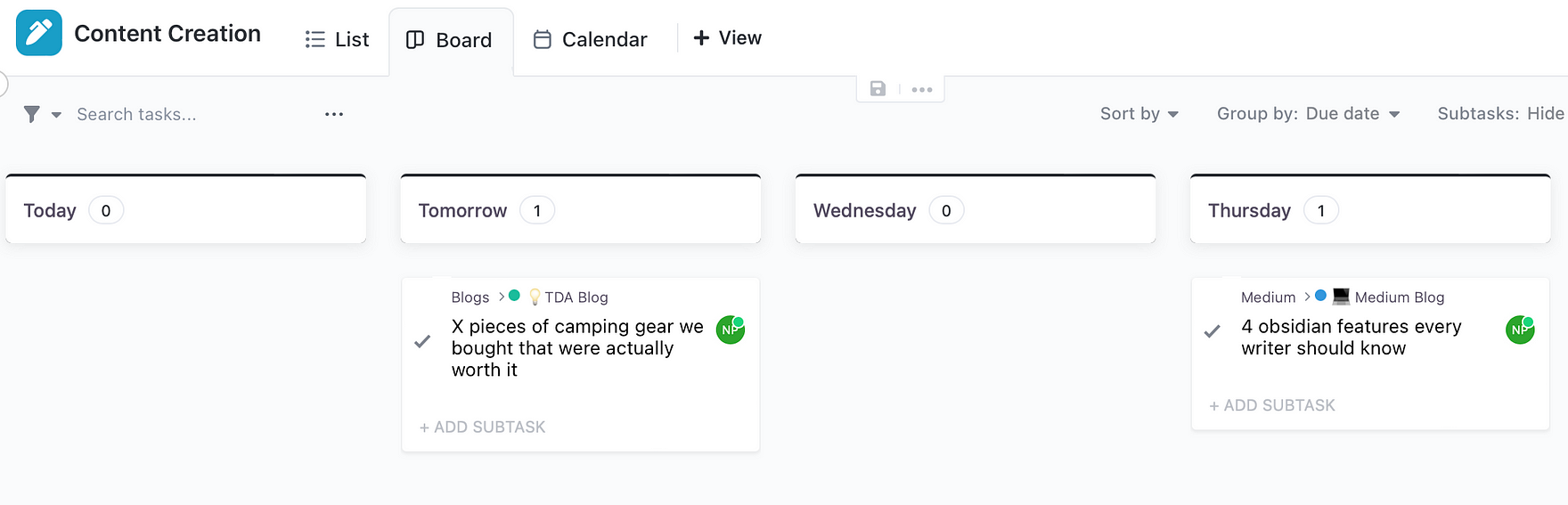
Views are what hooked me. I could switch between a board, calendar, and list without rebuilding my project each time.
- Board: See work moving through stages.
- Calendar: Plan publishing dates and deadlines.
- List: Sort ideas by project, priority, or writing stage.
I used board views grouped by day of the week and list views filtered by the kind of content I was working on.
2. Docs
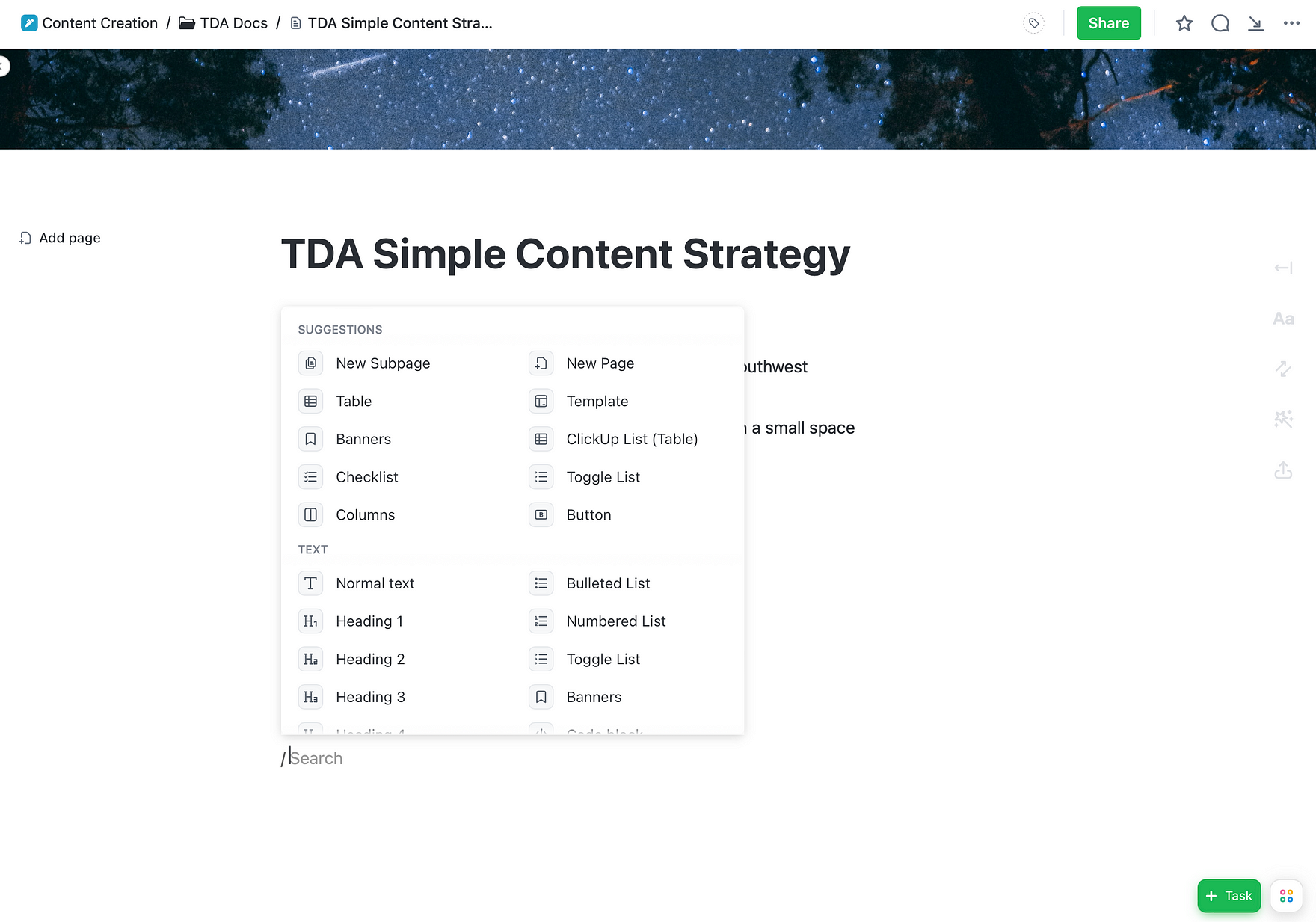
ClickUp Docs gave me a place to collect ideas, outlines, research, and content plans alongside the tasks they belonged to.
An idea dump was particularly helpful for catching stray thoughts before they disappeared.
3. Custom Fields
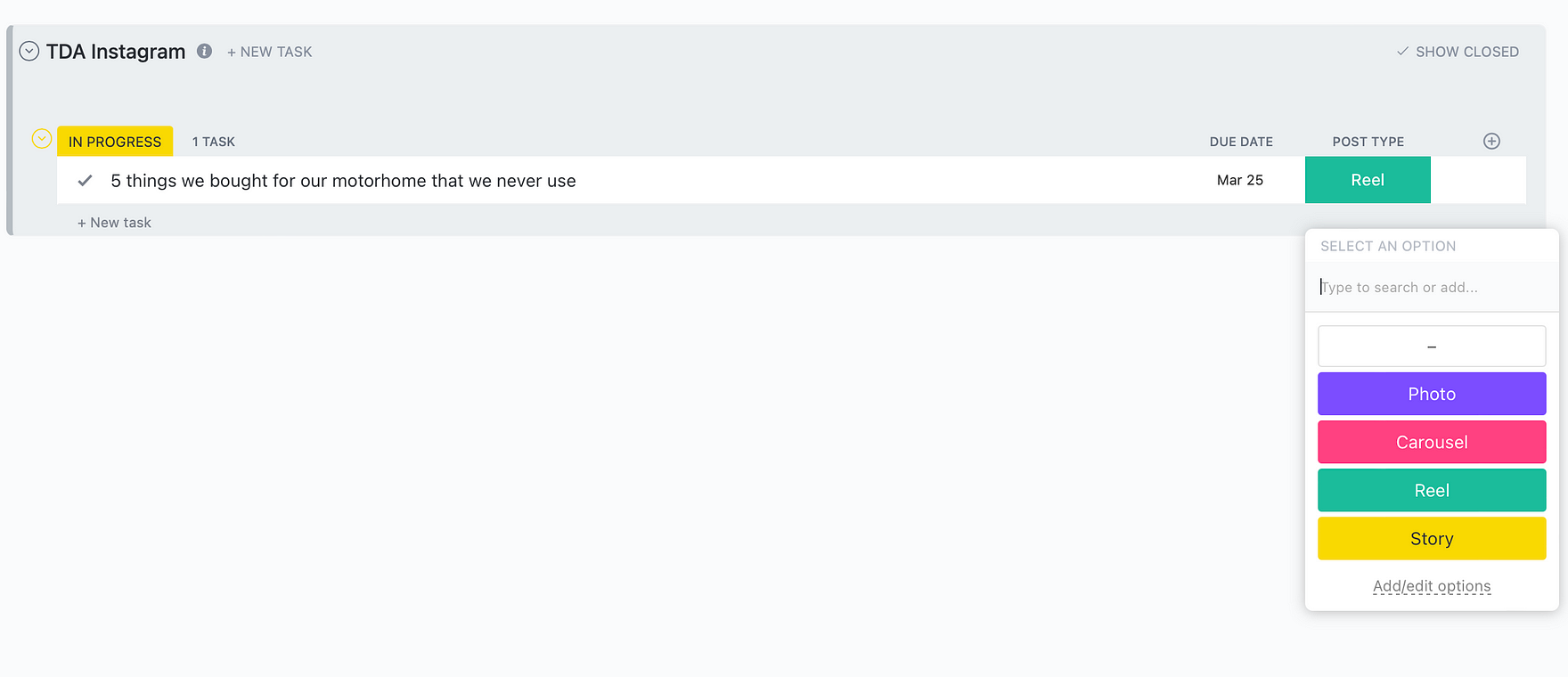
Custom fields let me label posts by type and track where they were in the workflow, without opening every task to inspect it.
I also used fields to organize Instagram content, including photos, carousels, reels, and stories.
4. Automations
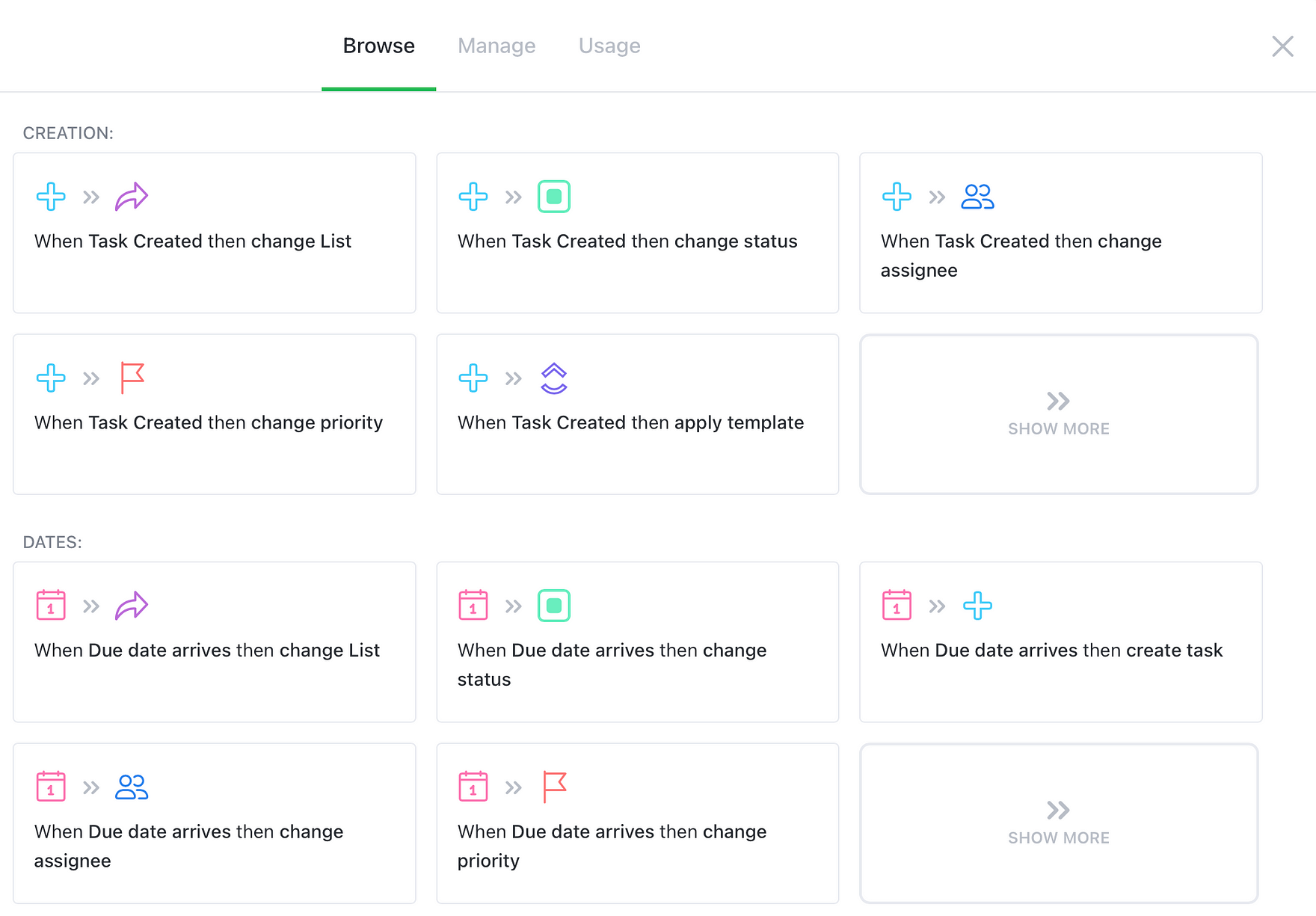
Automations can handle repetitive project maintenance, such as updating task statuses and reminding you about deadlines. In my setup, attaching a first draft could move a task from Drafting to Editing.
5. Whiteboards
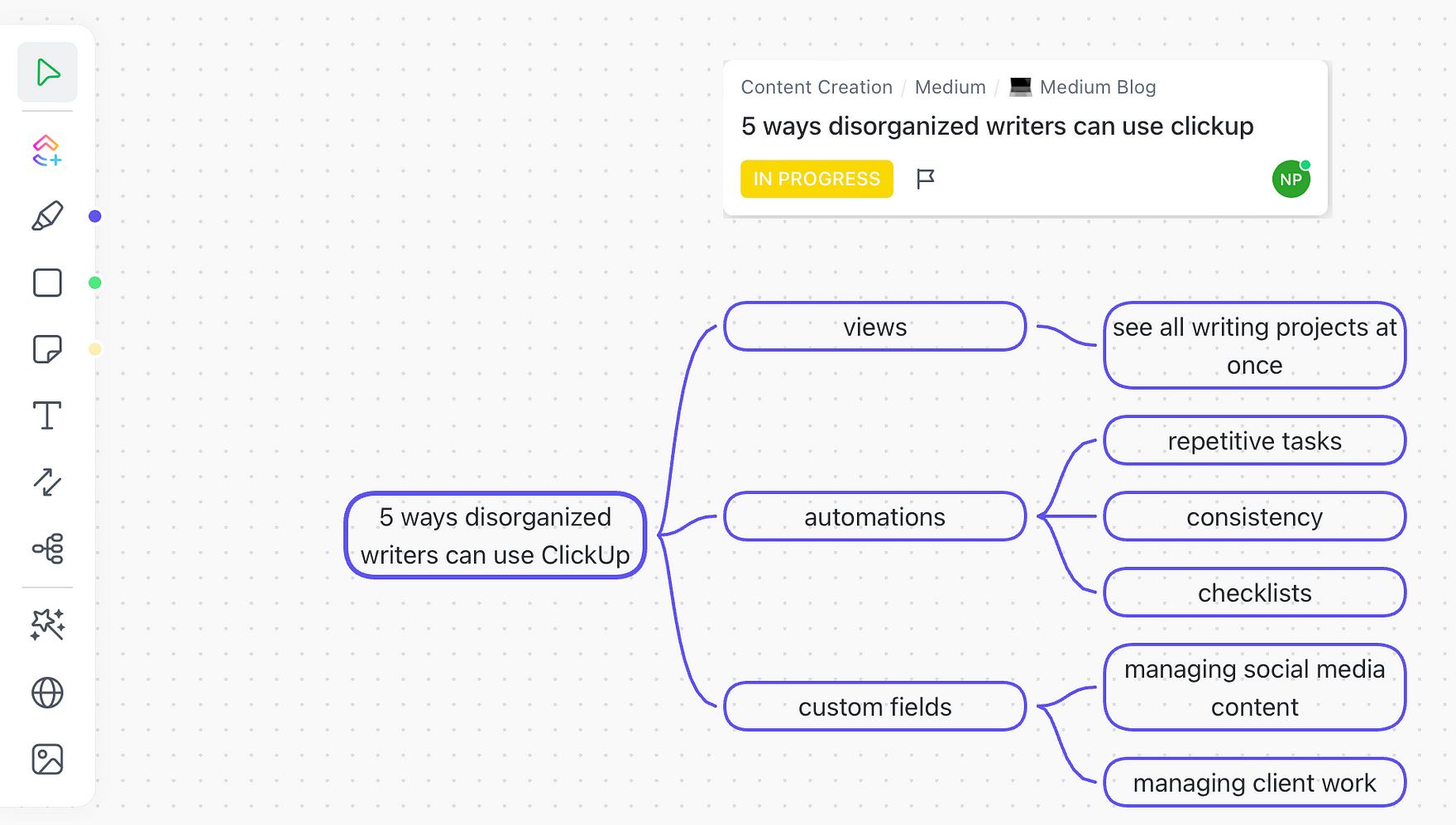
Whiteboards gave me a visual way to plan article structures and connect ideas before I started an outline.
For someone who thinks visually, moving ideas around on a canvas was often more useful than staring at another list.
The takeaway
The point of a productivity app isn't to use every feature. It's to build a process that helps you find your work and move it forward. These were the features that made ClickUp useful for my writing.
About this sample
Adapted from my longer illustrated article, which included screenshots from my own ClickUp workspace. This version focuses on the feature explanations and examples.
Skills demonstrated
- Productivity software
- User education
- Feature writing
- Creative workflows